Last updated: October 2026 · Written by the GreatestIPTV team
The short answer
Install IPTV Smarters Pro on your device, choose Login with Xtream Codes API, and enter the username, password and server URL GreatestIPTV sends you on WhatsApp. Channels, the TV guide and the VOD library load in about a minute. On Firestick, the app is installed with the Downloader app; on Android, iPhone and Apple TV it is in the app store.
What is IPTV Smarters Pro?
IPTV Smarters Pro is a free IPTV player. It does not include any channels: it plays the line you bring from a provider such as GreatestIPTV. It is popular because it runs on almost everything, handles large VOD libraries well and supports the Xtream Codes login, which loads the guide and posters automatically.
Install IPTV Smarters Pro
Fire TV Stick
- Settings → My Fire TV → Developer Options → turn on Apps from Unknown Sources (or allow Downloader under Install unknown apps).
- Install Downloader from the Amazon Appstore.
- Open Downloader and enter the app link we send with your GreatestIPTV login, then install.
The full walkthrough with screenshots is in our Firestick guide.
Android phone, tablet or Android TV
Install IPTV Smarters Pro from the Google Play Store, or sideload the APK on Android TV boxes that do not list it.
iPhone, iPad and Apple TV
Search the App Store for IPTV Smarters or Smarters Player Lite and install it.
Samsung and LG Smart TVs
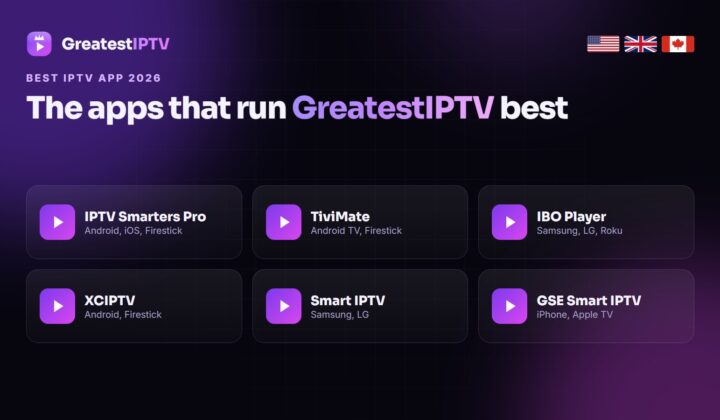
Smarters is not in every TV store. If it is missing, use IBO Player or Smart IPTV — see our Samsung and LG guides.
Log in with your GreatestIPTV details
- Open the app and accept the terms.
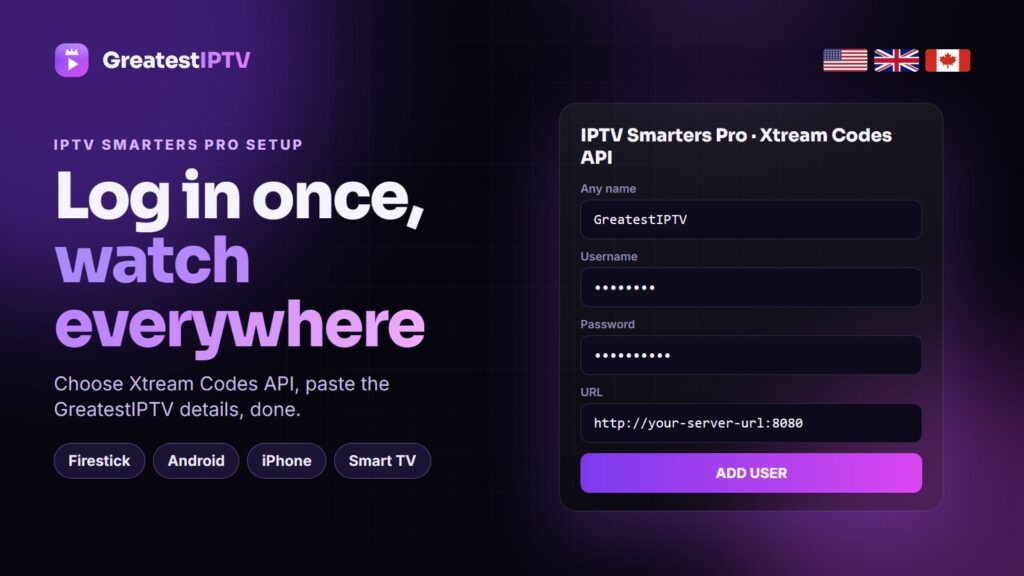
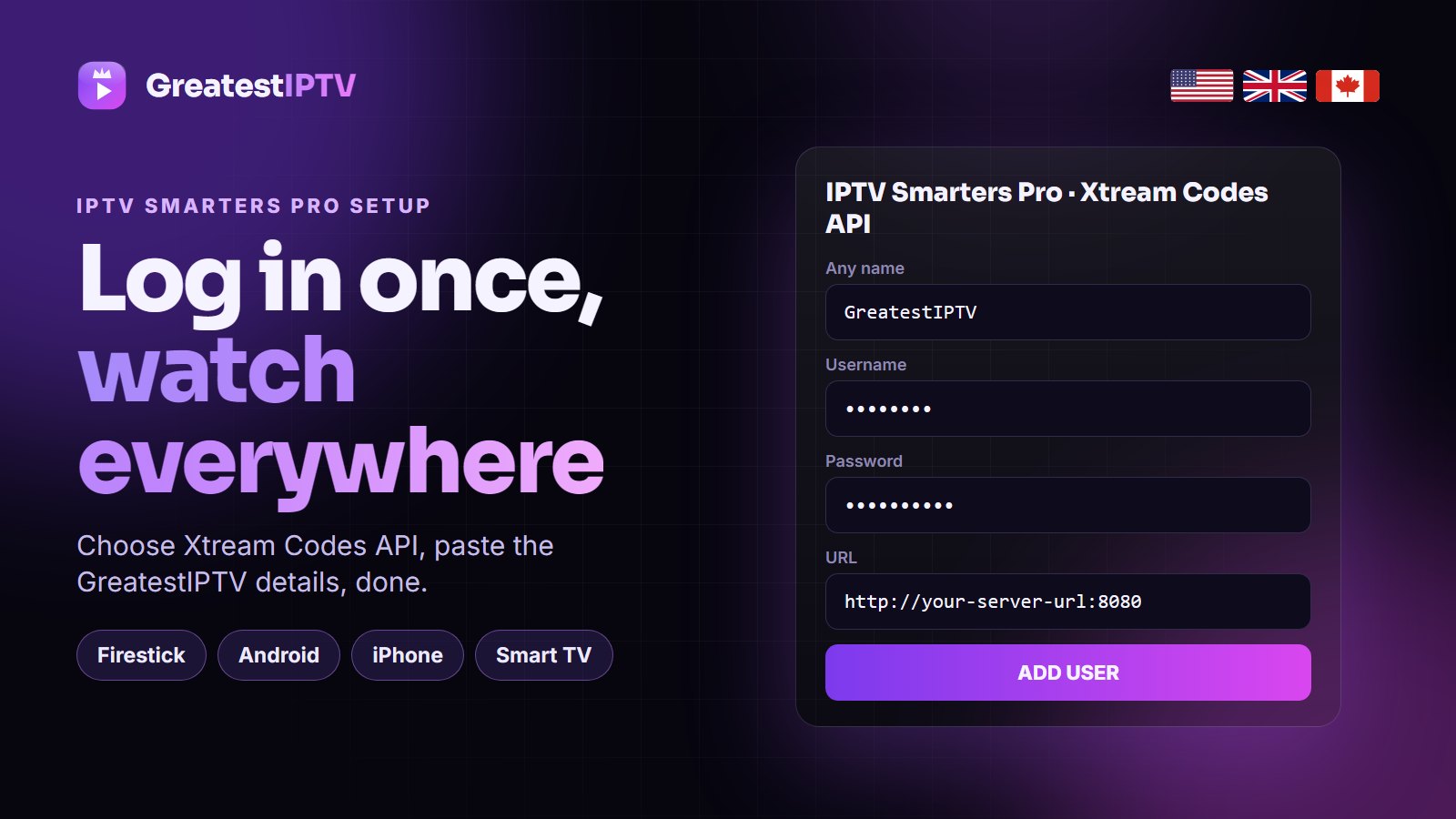
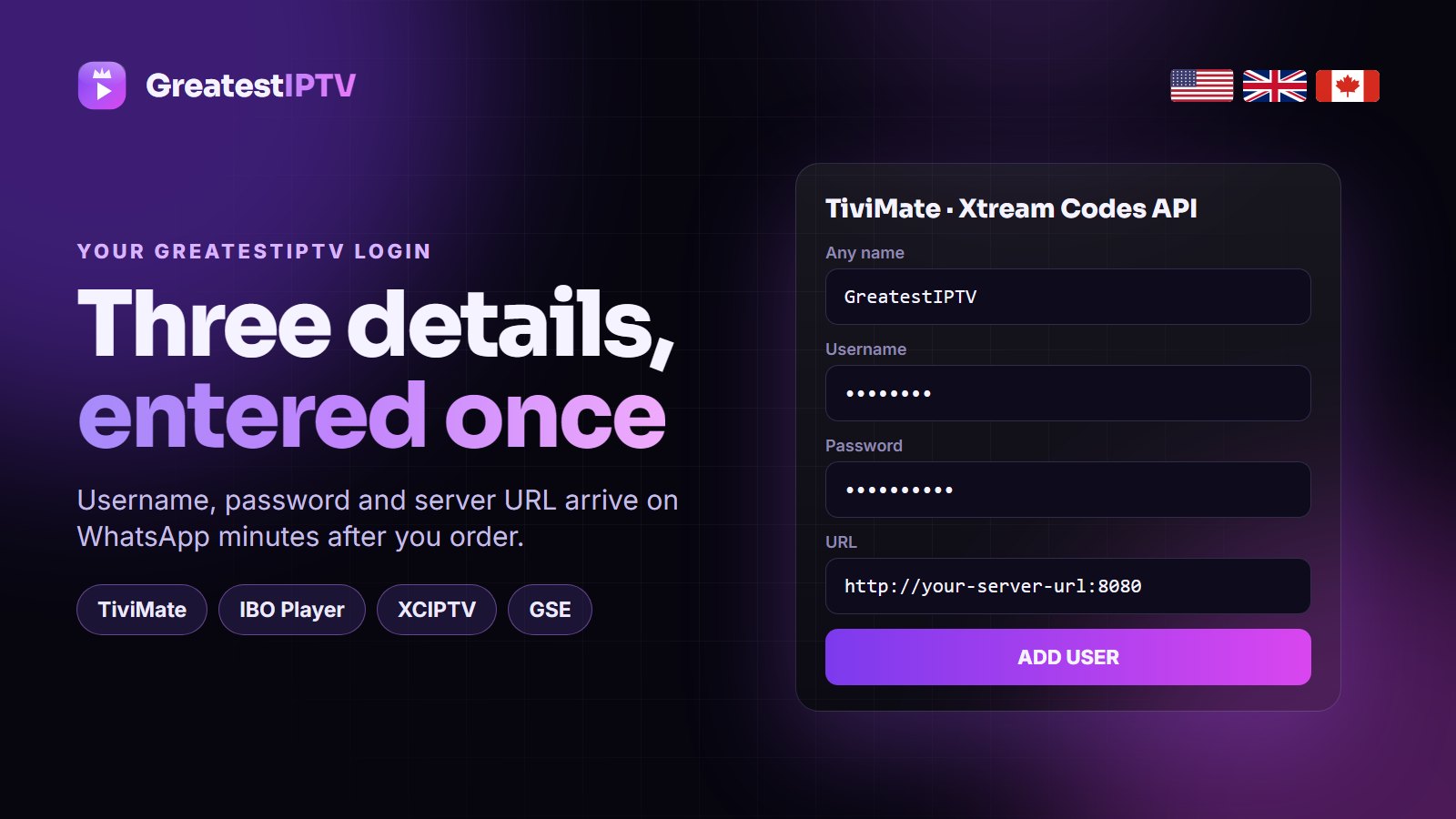
- Choose Login with Xtream Codes API (not “Load your playlist”).
- Any name: type GreatestIPTV.
- Username and password: exactly as sent on WhatsApp — they are case-sensitive.
- URL: the server URL including
http://and the port number. - Tap Add user. Live TV, Movies and Series appear after the first sync.
Settings that stop buffering
- Player: Settings → Player Selection → try the built-in player first, then VLC if a channel stutters.
- Stream format: Settings → Stream Format → choose MPEGTS (.ts) for live TV.
- EPG: Settings → EPG → Update EPG once after the first login.
- Quality: if 4K stutters on Wi-Fi, choose the FHD version of the channel.
Common problems
- “Invalid credentials”: retype the username and password, and check the URL has
http://and the port. - Empty TV guide: run Update EPG and set the right time zone in Settings → Time Format.
- No movies: wait for the first sync to finish, then pull down to refresh.
Still stuck? Message GreatestIPTV support on WhatsApp — we can set it up remotely.
More Smarters help
- IPPlayTV’s IPTV Smarters Pro guide covers every device, and their 12 fixes for Smarters not working list is the one to keep open when the app misbehaves.
- Smarters Player Lite in 2026 — StrimoIPTV’s guide to the lighter Apple version, with its best settings.
Frequently asked questions
Is IPTV Smarters Pro free?
Yes, the player is free. You need a subscription from a provider such as GreatestIPTV for the channels.
What is the server URL for IPTV Smarters?
It is the URL your provider sends with your login. GreatestIPTV sends it on WhatsApp with your username and password.
Should I use Xtream Codes or M3U in Smarters?
Xtream Codes. It loads the TV guide, movie posters and series seasons automatically and is easier to type on a TV remote.
Can I use one GreatestIPTV line on several devices?
Yes, within your plan: 1 device on 1-6 month plans, 2 on 1 Year, 3 on 2 Years and 5 on Lifetime.
Need a login for IPTV Smarters Pro?
GreatestIPTV works in Smarters on every device. Free 24-hour trial, plans from $15.