The right player makes the same line feel twice as good. Here is the one to use on each screen.
The short answer
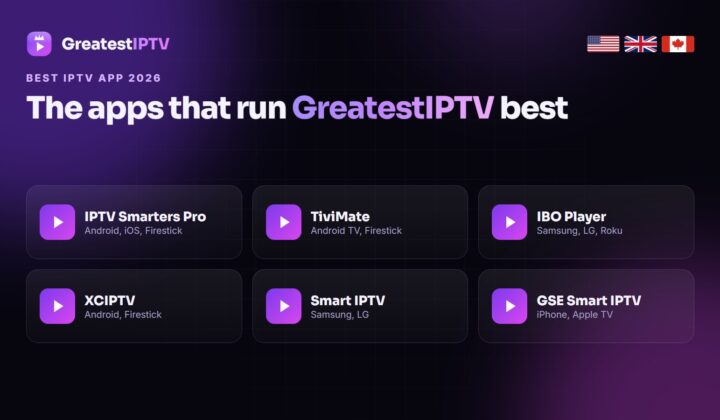
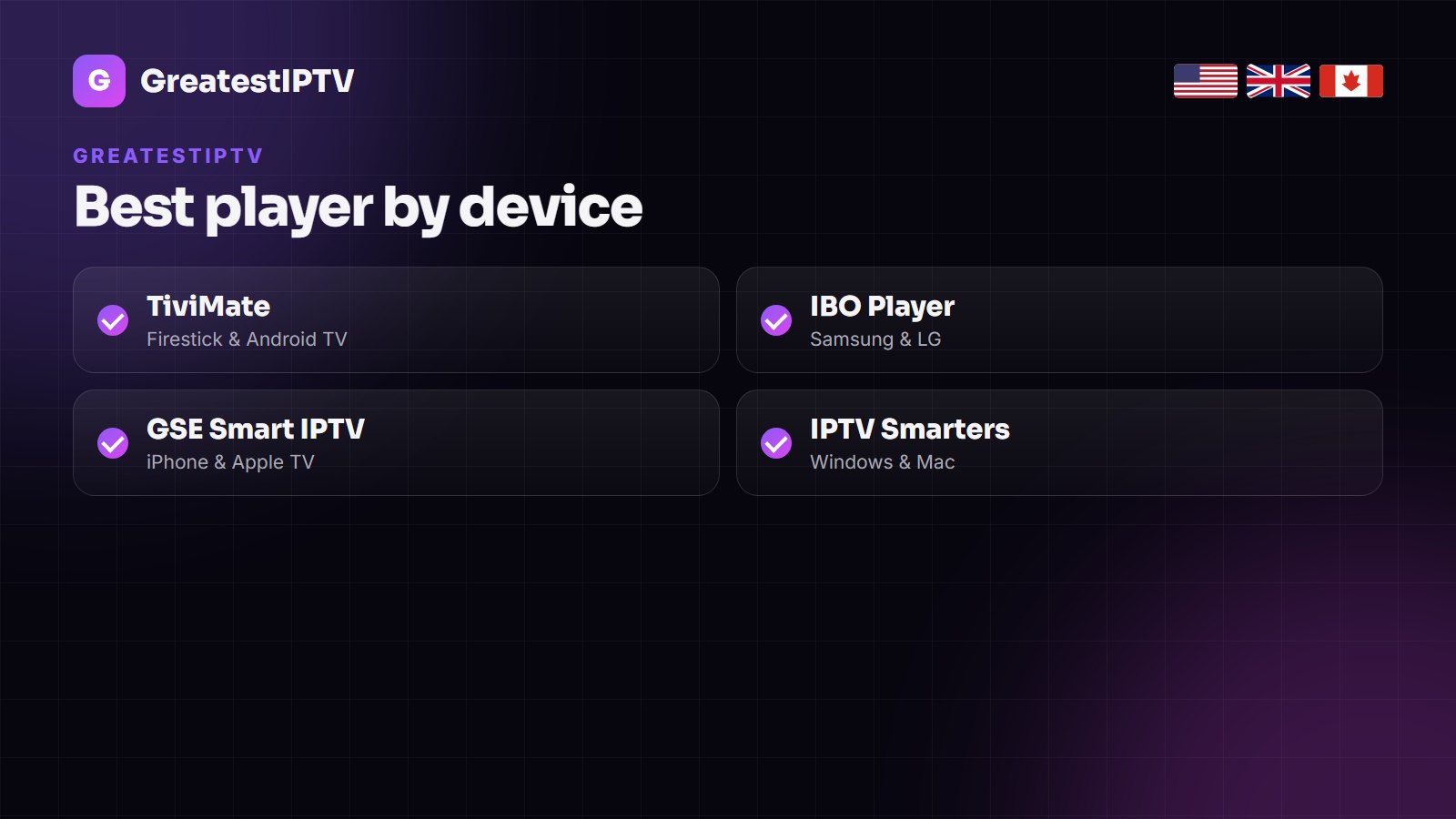
GreatestIPTV works in the leading IPTV players rather than one locked app. Use TiviMate on Firestick and Android TV, IBO Player on Samsung and LG, GSE Smart IPTV on iPhone and Apple TV, and IPTV Smarters on PC. Log in with Xtream Codes whenever the app offers it.
People often look for a single GreatestIPTV app to download. In practice your subscription is a line — a server address with a username and password, or an M3U link — and it plays in the best IPTV players already on the market.
That is an advantage: you get to use the player that suits your device and habits, with its own guide layout, favourites and recording features. Below is the one we recommend for each screen, and how to set it up.
Which app for which device
| Device | Best app | Alternative | Login |
|---|---|---|---|
| Firestick / Fire TV | TiviMate | IPTV Smarters Pro | Xtream Codes |
| Android TV / Google TV | TiviMate | IPTV Smarters Pro | Xtream Codes |
| Samsung Smart TV | IBO Player | Smart IPTV-style apps | M3U / portal |
| LG Smart TV | IBO Player | Smart IPTV-style apps | M3U / portal |
| Roku | Screen mirroring or a Fire TV stick | — | — |
| iPhone / iPad | GSE Smart IPTV | iPlayTV | Xtream Codes |
| Apple TV | iPlayTV | GSE Smart IPTV | Xtream Codes |
| Windows / Mac | IPTV Smarters | VLC (M3U) | Xtream Codes / M3U |
TiviMate on Firestick and Android TV
- Install the Downloader app and allow it to install unknown apps.
- Download and install TiviMate.
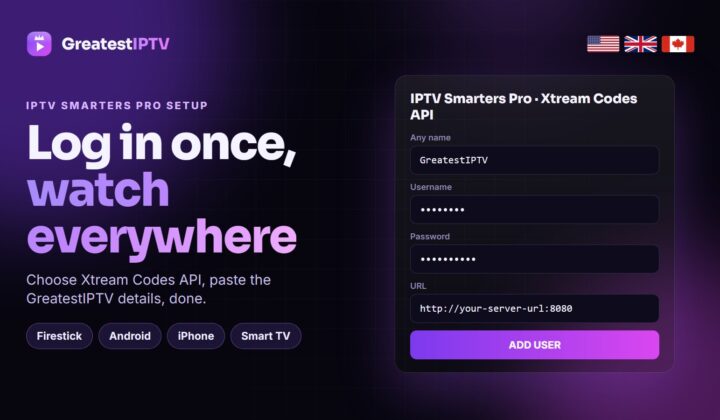
- Choose Add playlist → Xtream Codes.
- Enter the server URL, username and password from your GreatestIPTV message.
- Let the channels and the EPG load, then hide groups you never watch.
The complete walkthrough with screenshots is in our Firestick guide.
IBO Player on Samsung and LG
Samsung (Tizen) and LG (webOS) TVs run their own app stores. Install IBO Player, note the MAC address and device key it shows, and send them to us on WhatsApp — we add the playlist for you. Step-by-step guides: Samsung and LG.
iPhone, iPad and Apple TV
GSE Smart IPTV and iPlayTV both accept Xtream Codes logins, so you type the same three details as on the TV. On Apple TV, iPlayTV has the cleaner guide; on iPhone, GSE is the more flexible.
Settings that make the biggest difference
- Use Xtream Codes, not M3U, so movies, series and the guide load automatically.
- Hide unused country groups — the guide loads faster and scrolling is instant.
- Set the EPG time shift if programmes appear an hour off.
- Increase the buffer on Wi-Fi in TiviMate or Smarters.
- Build a favourites list of the ten channels you watch daily.
Note: some players charge a small optional fee for premium features. That fee goes to the app developer, not to GreatestIPTV.
Plans and screens
The 1, 3 and 6-month plans cover one device at a time; the 1-year plan covers two, two years three, and the Lifetime plan five. Prices: $15, $35, $50 (6 months), $80, $120 and $150 once for Lifetime. See the GreatestIPTV price guide.
Other IPTV services worth comparing
A second opinion never hurts. These services keep their own player guides and price pages online.
- Zoryflix — recording, catch-up and sports-package guides
- TrendyScreen — USA, UK and Canada IPTV with a 7-plan price grid and TiviMate guides
- Tivo8k — 4K-focused IPTV with a 24-hour trial and a full channel list
- KiloTV — device guides, player comparisons and a long troubleshooting library
- Nexomir — one-login IPTV for the UK, USA and Canada
Frequently asked questions
Is there an official GreatestIPTV app?
No single app is required. GreatestIPTV plays in TiviMate, IPTV Smarters Pro, IBO Player, GSE Smart IPTV and other established players.
What is the best GreatestIPTV app for Firestick?
TiviMate, logged in with Xtream Codes. It has the fastest guide and the best channel switching.
Can I watch GreatestIPTV on a Samsung TV?
Yes. Install IBO Player from the Samsung app store and add your playlist with the MAC address the app shows.
Does GreatestIPTV work on Roku?
Roku does not support standard IPTV players. Use screen mirroring from a phone, or plug in a Fire TV Stick.
How many devices can I use?
One at a time on the 1, 3 and 6-month plans, two on the 1-year plan, three on two years and five on Lifetime.
How much is GreatestIPTV?
$15 for one month, $35 for three months, $50 for six months, $80 for a year, $120 for two years and $150 once for Lifetime.
Get your GreatestIPTV line
Choose a plan, receive your login on WhatsApp in minutes, and set it up in the player that suits your screen.