The Firestick is the most popular way to watch GreatestIPTV in the USA, the UK and Canada. This is the exact routine we walk customers through, including the settings most guides skip.
The short answer
To watch GreatestIPTV on a Firestick: allow Downloader to install apps, use it to install IPTV Smarters Pro or TiviMate, choose the Xtream Codes login and enter the server URL, username and password we send on WhatsApp. The channel list and guide load in a minute or two. A wired or 5 GHz connection keeps it smooth in the evening.
Any current Fire TV device works: Fire TV Stick, Stick 4K, 4K Max, Fire TV Cube and TVs with Fire TV built in. You need the stick connected to the internet, your GreatestIPTV login (from a plan or the free trial) and about five minutes.
Step 1: prepare the Firestick
- From the home screen, go to Find > Search, type Downloader and install it.
- Open Settings > My Fire TV. If you do not see Developer options, open About and click the device name seven times.
- In Developer options > Install unknown apps, switch Downloader on.
Step 2: install the player
GreatestIPTV plays in a standard IPTV app. On Firestick we recommend one of two:
| App | Best for | Cost |
|---|---|---|
| IPTV Smarters Pro | Simple start, good VOD browsing | Free |
| TiviMate | TV-style guide, fastest zapping, recordings | Free; Premium is paid to its developer |
Open Downloader, enter the download address published on the player’s own website and install it. Avoid copies from random APK sites. The GreatestIPTV app guide covers the other devices in the house.
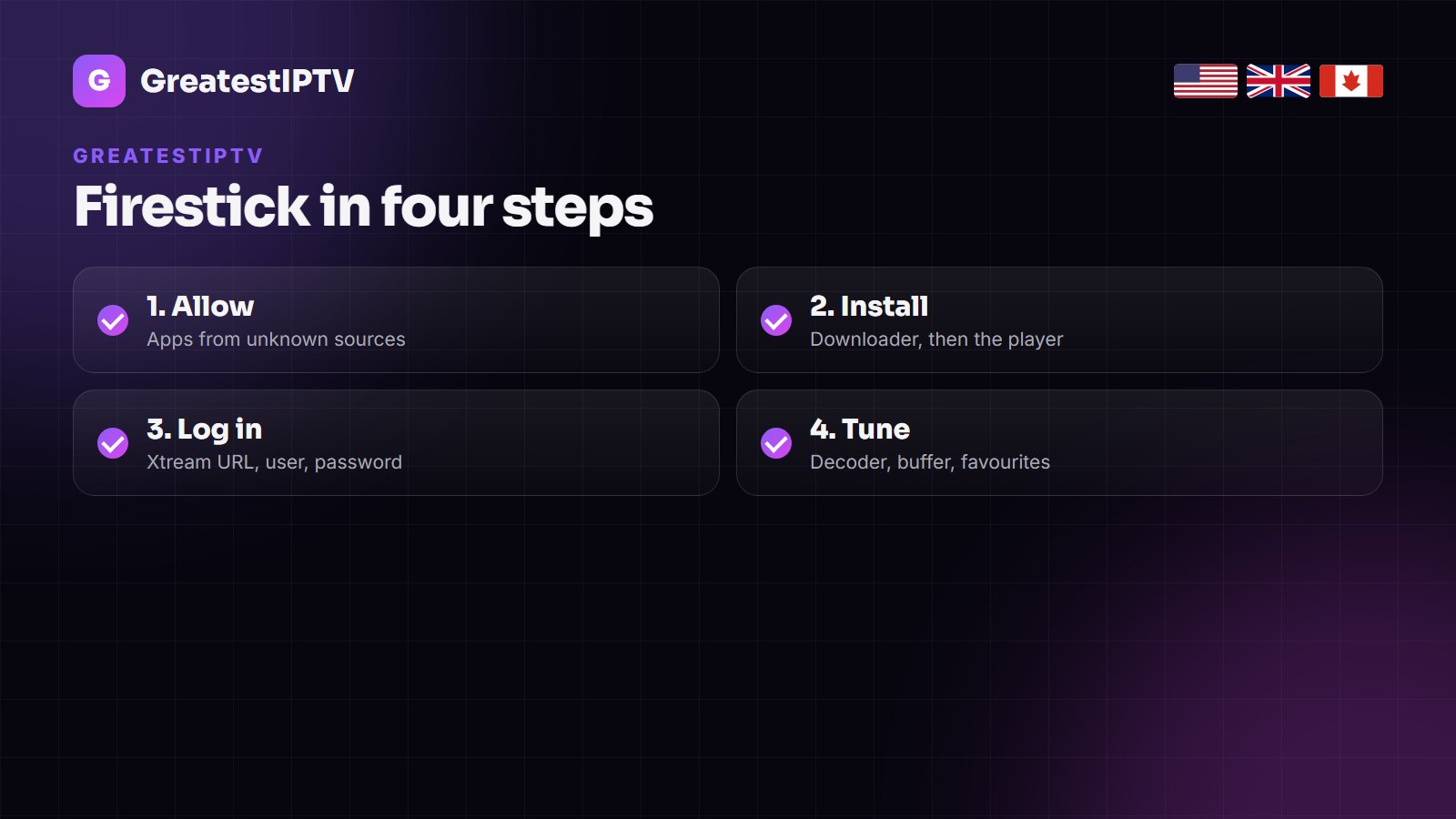
Step 3: add your GreatestIPTV login
- Open the player and choose Login with Xtream Codes API (in TiviMate: Add playlist > Xtream Codes).
- Name the playlist GreatestIPTV.
- Enter the server URL exactly as sent, including the port number, then the username and password.
- Confirm and wait one to two minutes while live TV, films, series and the guide load.
Typing on a Fire TV remote is slow; the Fire TV app on your phone works as a keyboard. If you see invalid login, check capitals and the port before anything else.
Step 4: settings that prevent buffering
- Connection: use the 5 GHz Wi-Fi band or an Ethernet adapter for the stick. This fixes more buffering than anything else.
- Decoder: if a channel has sound but no picture, switch between hardware and software decoding in the player settings.
- Quality: on a slower line, pick the FHD version of a channel during big games; 4K needs about 25 Mbps.
- Storage: keep at least 1 GB free on the stick; uninstall apps you do not use.
If it still stutters, our Firestick buffering guide goes through the router side step by step.
Make it feel like normal TV
Hide the country groups you never watch, add your daily channels to favourites, and set the guide to refresh every 24 hours. The GreatestIPTV channel list shows how the US, UK and Canadian groups are organised, so you know what to keep.
More than one Firestick in the house? Install the same login on each. Your plan sets how many play at the same time: one on the 1, 3 and 6-month plans, two on the yearly plan, three on two years, five on Lifetime.
Frequently asked questions
What is the best app for GreatestIPTV on Firestick?
IPTV Smarters Pro for a simple free start, TiviMate for the best guide and fastest zapping. Both accept the GreatestIPTV Xtream login.
Is it safe to allow unknown apps on a Firestick?
Yes, as long as you install players from their developers’ own sites. You can switch the setting off again after installing.
Why does GreatestIPTV buffer on my Firestick?
Usually Wi-Fi. Move to 5 GHz or use an Ethernet adapter, free up storage, and choose FHD on a slower line.
Can I use GreatestIPTV on two Firesticks?
Yes. Install it on both; the yearly plan and longer plans allow two or more screens at the same time.
Does it work on Fire TV Cube and Fire TV smart TVs?
Yes, the steps are the same on every Fire TV device.
Set it up tonight
Ask for the 24-hour free trial on WhatsApp and follow the four steps above on your Firestick.